

On this page, “persistent” refers only to the code review comment described in How persistent review comments are updated. It’s unrelated to the PR summary’s Standalone comment setting and to CI failure feedback’s own
persistent_comment setting, since each applies to a different comment.Why use persistent review comments
Persistent review comments help teams:- Keep pull request conversations clean
- Track progress across commits more easily
- Reduce noise during iterative reviews
How persistent review comments are updated
- With every new commit, Qodo updates the existing review comment.
- If a new issue is introduced in a new commit, it appears as an additional finding marked with a ⭐️ New label.
- All findings are visible directly in the pull request code review.
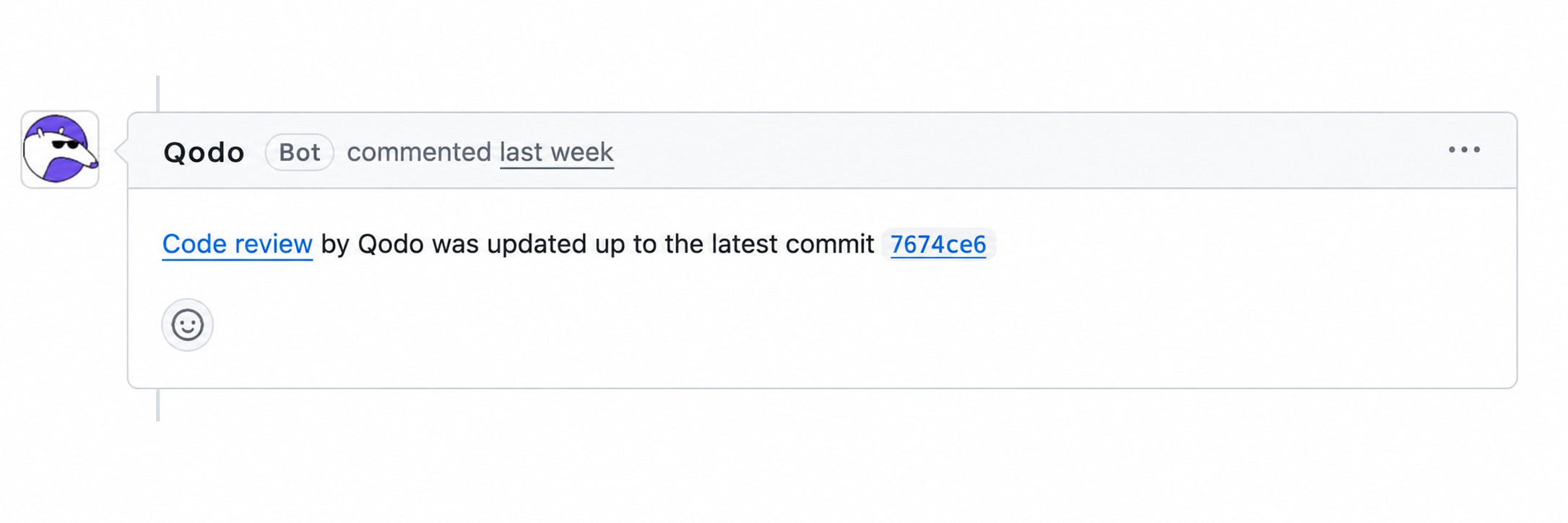
- Qodo also posts a “Code review by qodo was updated up to the latest commit” message in the pull request each time it updates the comment. To disable this, see Persistent comment notification below.
- Qodo keeps a Previous reviews section in the comment, showing the history of past review runs. See Previous reviews for how to read it.
.pr_agent.toml file.
Configure persistent review comments in the Qodo portal (Recommended)
- Log in to the Qodo portal.
- Navigate to Configurations > Workflow > Code review.
- Configure Review every push.
- Navigate to Configurations > Display > Notification comments.
- Configure Persistent comment notification.
Configure persistent review comments in .pr_agent.toml
Review every push
Add the following inside your relevant git provider section in.pr_agent.toml. Do not include this in multiple provider sections.
Example (GitLab):
The portal’s Review every push toggle also sets
review_agent.enable_incremental_review, which makes the re-run focus only on changes since the last review instead of reviewing the whole pull request again:
Persistent comment notification
Set the following in the[review_agent] section:
For more information, see Configure using .pr_agent.toml file.
Related resources
- Anatomy of a Qodo Code Review: How previous reviews appear in the review comment.
- Track resolved findings in pull requests: Show resolved findings in place, in a separate section, or not at all.
- Customize the code review experience: What you can configure, and where to configure it.