

GitHub
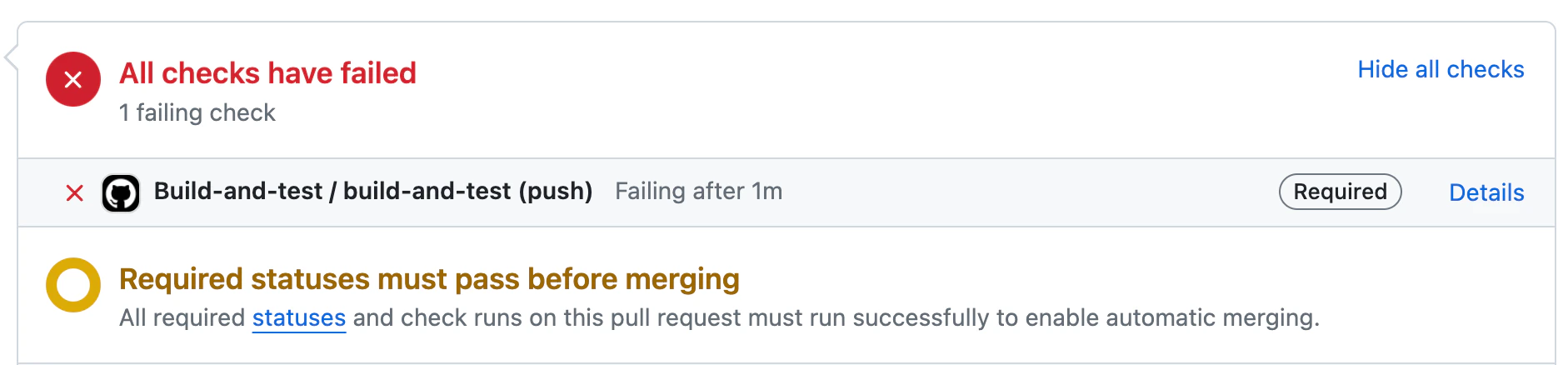
Qodo provides automatic CI feedback when a pull request contains failed checks.
When a CI failure is detected, Qodo analyzes the results and surfaces structured, actionable information directly in the pull request to help you quickly understand and resolve the issue.
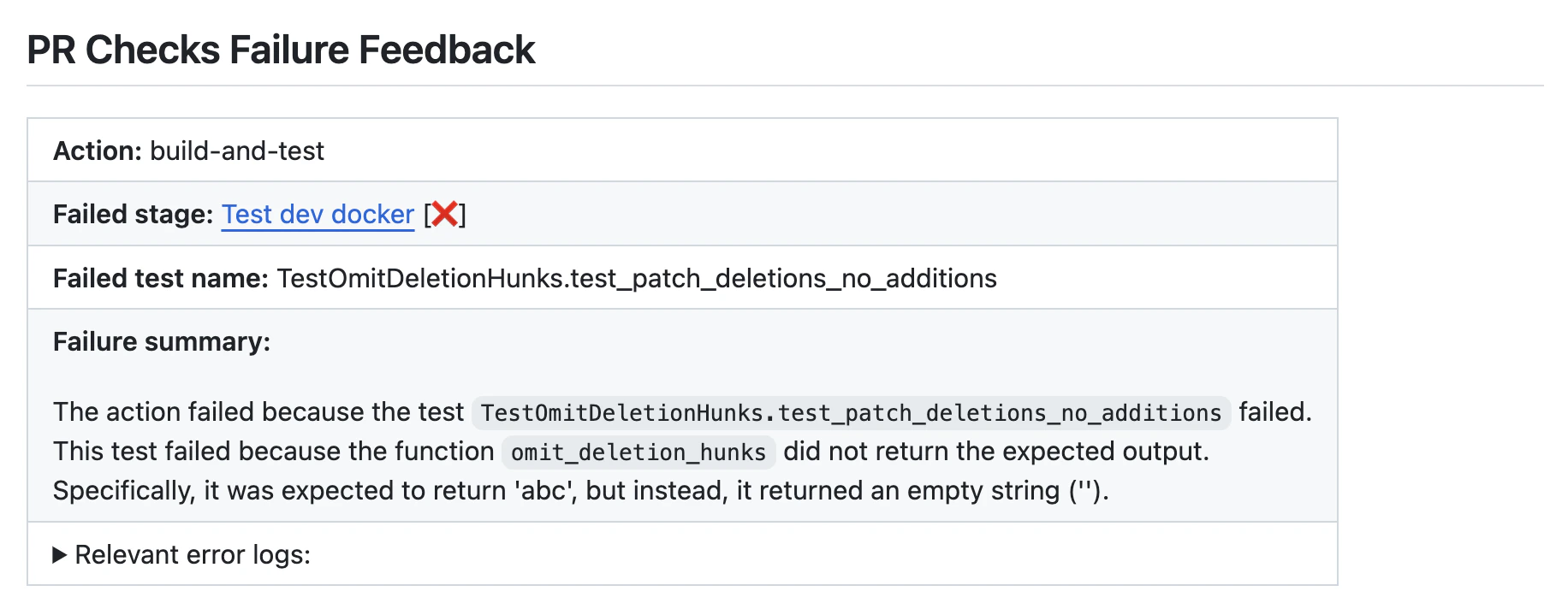
The CI feedback includes:
- Failed stage: The pipeline stage where the failure occurred
- Failed test name: The specific test or job that failed
- Failure summary: A concise explanation of what went wrong
- Relevant error logs: Extracted log output to aid debugging
Request CI feedback manually
Comment on the pull request:-
{repo_name}is the name of the repository. -
{run_number}is the run number of the failed check. -
{job_number}is the job number of the failed check.
Configure CI failure feedback in .pr_agent.toml
Turn off automatic feedback
To stop the tool from running automatically, add the following to the configuration file:Configuration options
Configure thechecks tool by setting configurations under the checks part in your configuration file.
Example:
Related resources
- Trigger a code review: Run reviews automatically or manually.
- Configure Qodo using the .pr_agent.toml file: Set up and manage repository-level configuration.