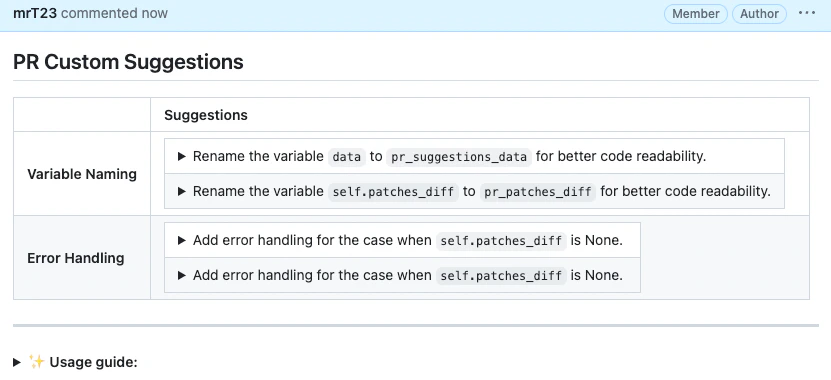
custom_prompt tool scans the PR code changes, and automatically generates suggestions for improving the PR code.
It shares similarities with the improve tool, but with one main difference: the custom_prompt tool will only propose suggestions that follow specific guidelines defined by the prompt in the pr_custom_prompt.prompt configuration.
With this tool, you are the prompter. Be specific, clear, and concise in the instructions. Specify relevant aspects that you want the model to focus on.
How to use the custom_prompt tool
Manual usage
Comment on the PR:
Configuration options
Configure thecustom_prompt tool by setting configurations under the pr_custom_prompt part in your configuration file.
Example usage
An example of a possible prompt defined in the configuration file: