

Tracking implemented suggestions
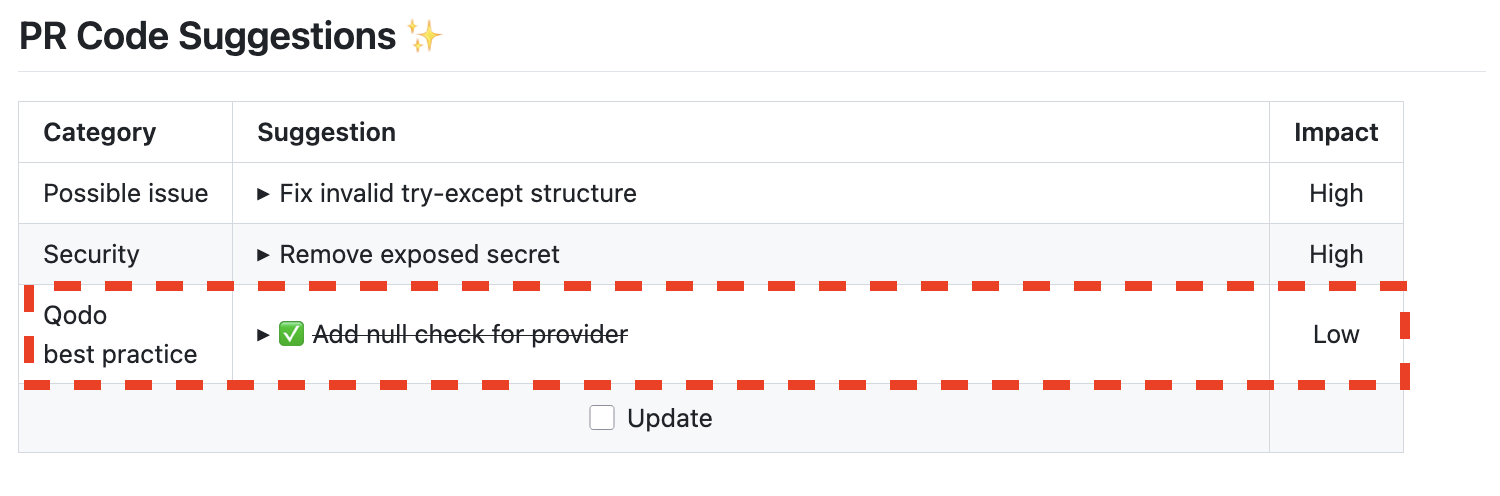
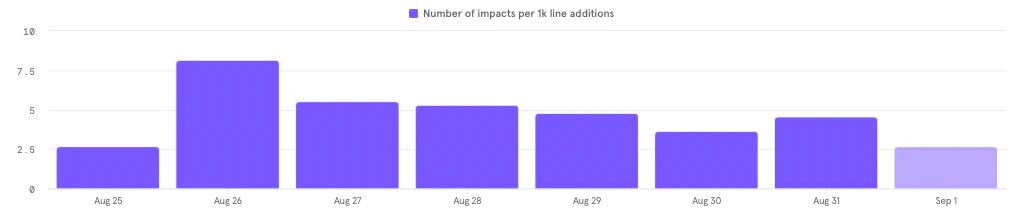
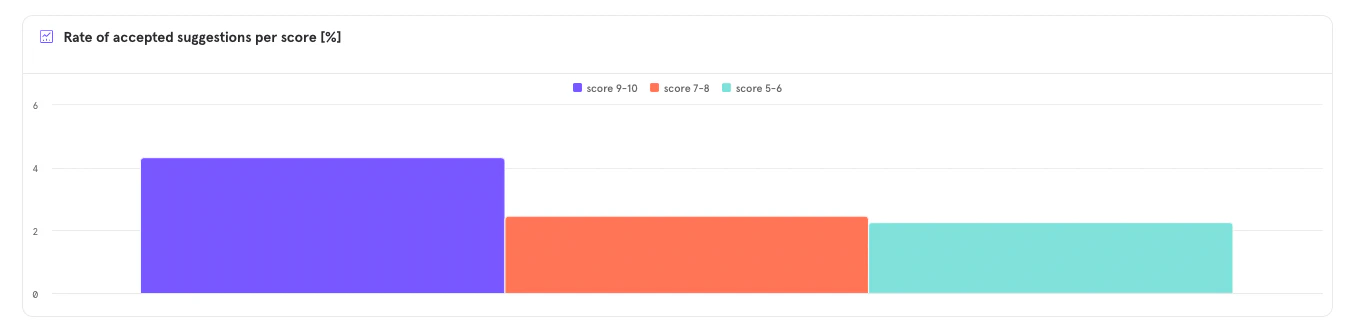
Qodo automatically tracks when AI-generated suggestions are applied, helping teams measure the impact of the tool and improve future results. There are two ways Qodo detects implementation:- Direct Implementation: When the PR author clicks the Apply checkbox next to a suggestion.
- Indirect Implementation: When the suggestion is applied manually (e.g., through the user’s IDE). Qodo checks each new commit to identify if the suggested change was implemented, even without clicking Apply.
Suggestion tracking
Platforms supported: GitHub, GitLab
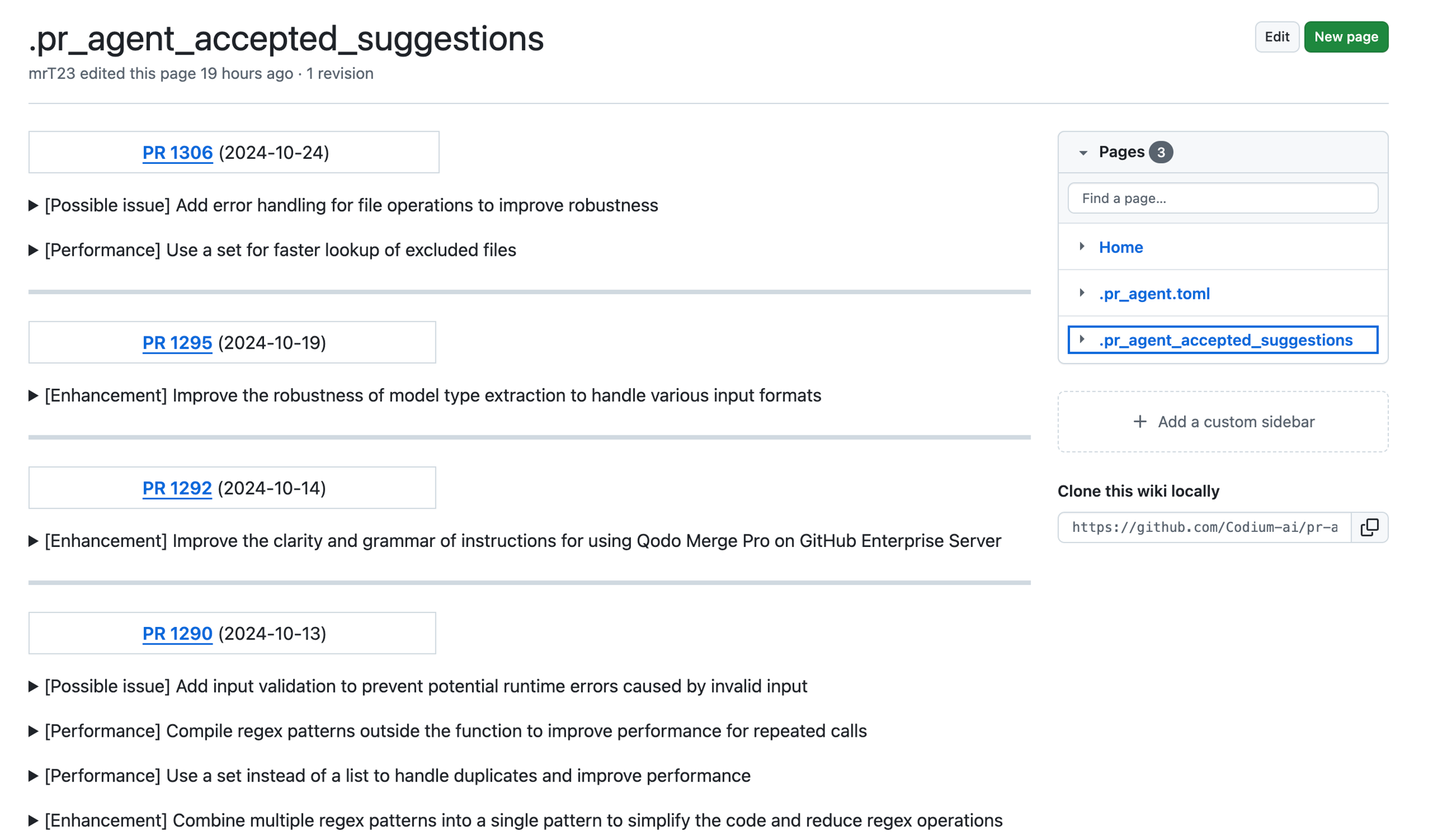
.pr_agent_accepted_suggestions, within your repo’s wiki.
This file serves multiple purposes:
- Tracks which suggestions were implemented
- Offers a historical view of accepted improvements
- Helps assess Qodo’s long-term value and influence
- Feeds future model training to improve the quality of recommendations
pr_code_suggestions.wiki_page_accepted_suggestions (default: true).
Why a wiki?
Your code stays private. Instead of using an external server or database, Qodo stores accepted suggestions in your repository’s private wiki. This ensures:- Full control over your data
- No interference with the main repo or pull requests
- A secure, organized place to track suggestions