Display presets
New customers who onboard after Presets are introduced in Qodo 2.9 get the default value for each setting. Existing customers keep their configured settings.
Counters
Labels
Groups
Ordering
Overflow
GitHubGitLabAzure DevOps
Findings
GitHubGitLabAzure DevOps
Comments
Comment parts
The toggles are listed in the order the parts appear in the review comment.
Notification comments
Display live preview
GitHubGitLabAzure DevOps
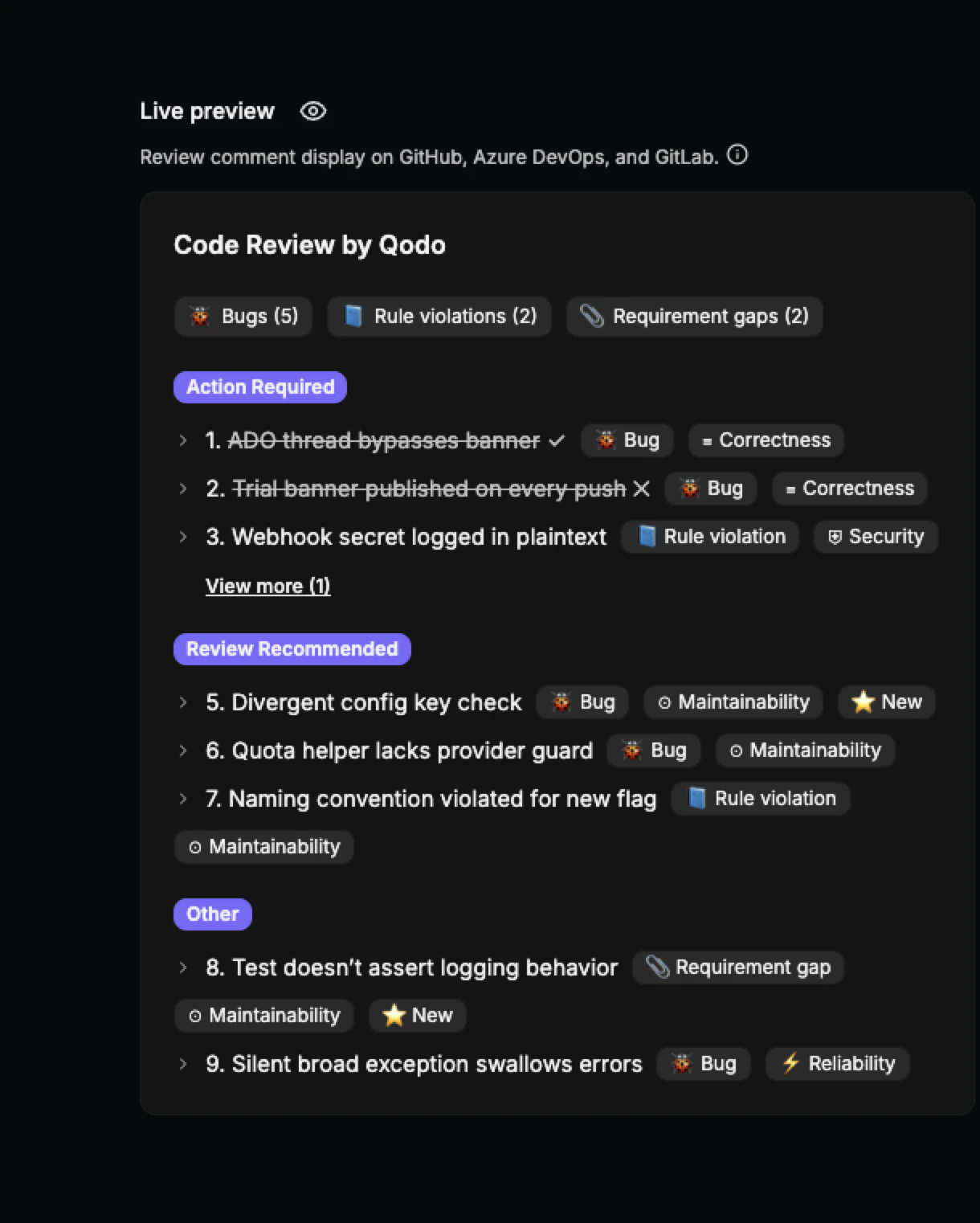
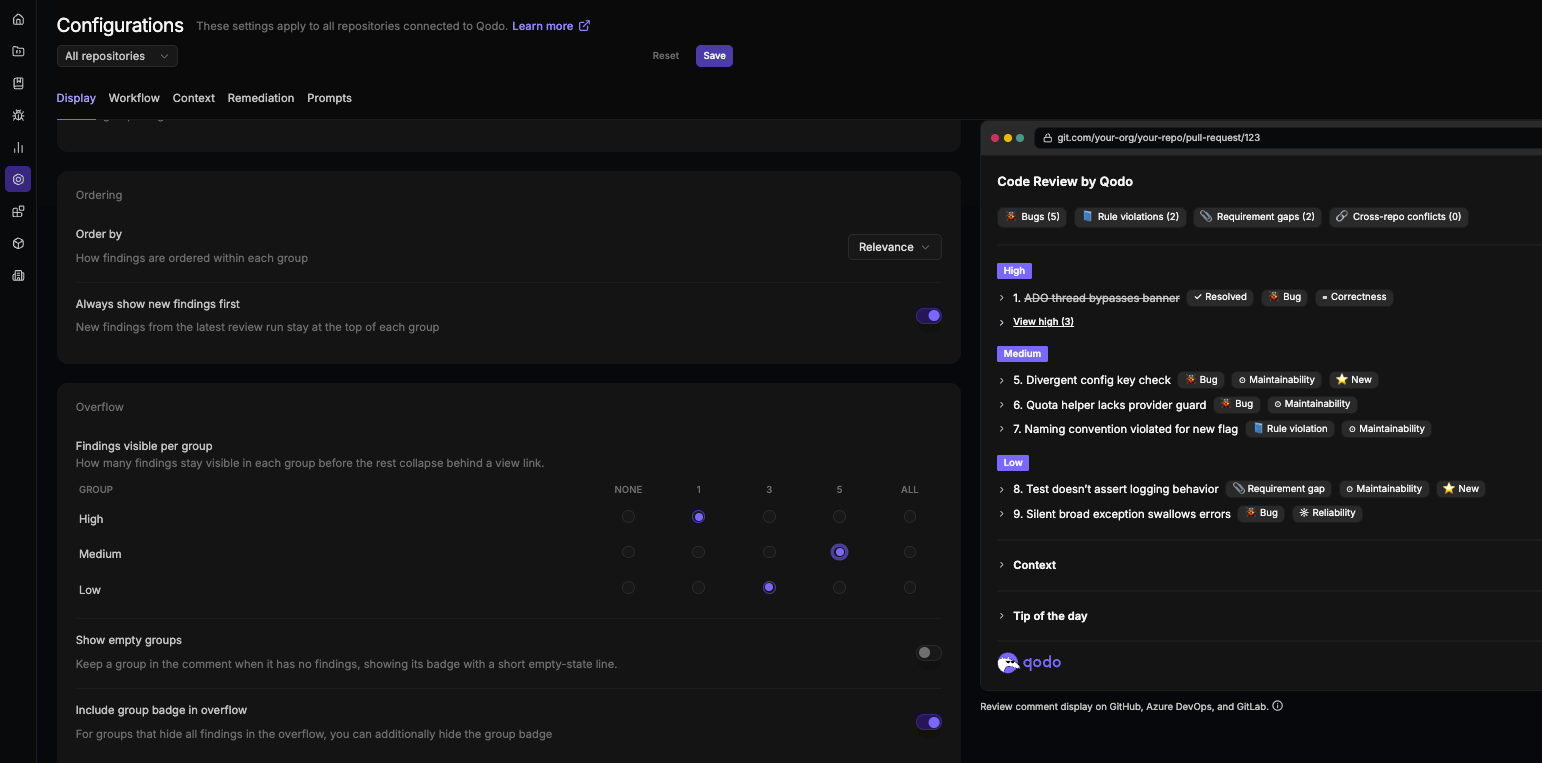
The Live Preview pane shows a real-time visual of how review comments will appear in the target Git provider. Changes to display settings update the preview immediately, with no save or refresh required. The preview reflects the Git provider selected using the icons next to the repository selector, so it matches how findings will actually render for that provider.
The top right of the preview includes:
- A Summary / Inline dropdown that switches between the full review comment and the inline comment. It switches automatically when you change a setting that affects inline comments.
- A light/dark mode toggle that switches the preview’s color scheme. Useful for checking how the review renders on providers that default to light mode.