
Checks (CI Feedback)
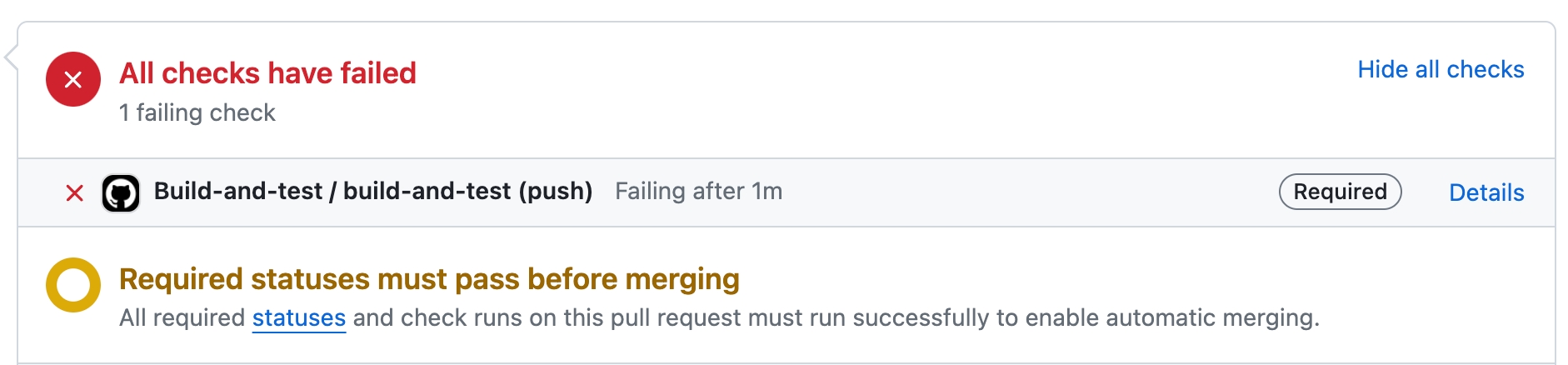
The CI feedback tool /checks automatically triggers when a PR has a failed check.
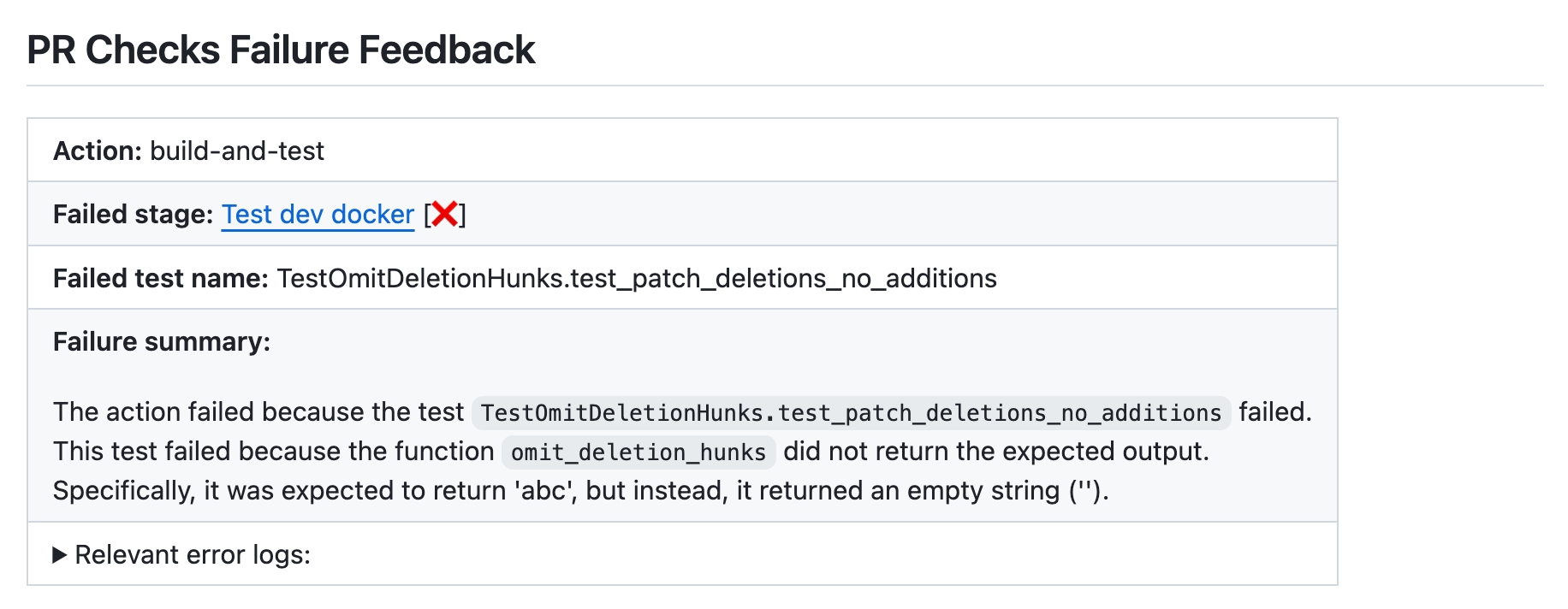
The tool analyzes the failed checks and provides several feedbacks:
Failed stage
Failed test name
Failure summary
Relevant error logs
How to use the /checks tool
/checks toolManual usage
Comment on the PR:
/checks "https://github.com/{repo_name}/actions/runs/{run_number}/job/{job_number}"Where:
{repo_name}is the name of the repository.{run_number}is the run number of the failed check.{job_number}is the job number of the failed check.
Disabling the tool from running automatically
If you wish to disable the tool from running automatically, a the following add to the configuration file:
Configuration options
Configure the checks tool by setting configurations under the checks part in your configuration file.
enable_auto_checks_feedback
true
If set to true, the tool will automatically provide feedback when a check is failed.
excluded_checks_list
[]
A list of checks to exclude from the feedback.
For example: ["check1", "check2"].
persistent_comment
true
If set to true, the tool will overwrite a previous checks comment with new feedback.
enable_help_text
true
If set to true, the tool will provide a help message when a user comments /checks on a PR.
final_update_message
true
If persistent_comment is true and updating a previous checks message, the tool will also create a new message: "Persistent checks updated to latest commit".
Example usage
Last updated