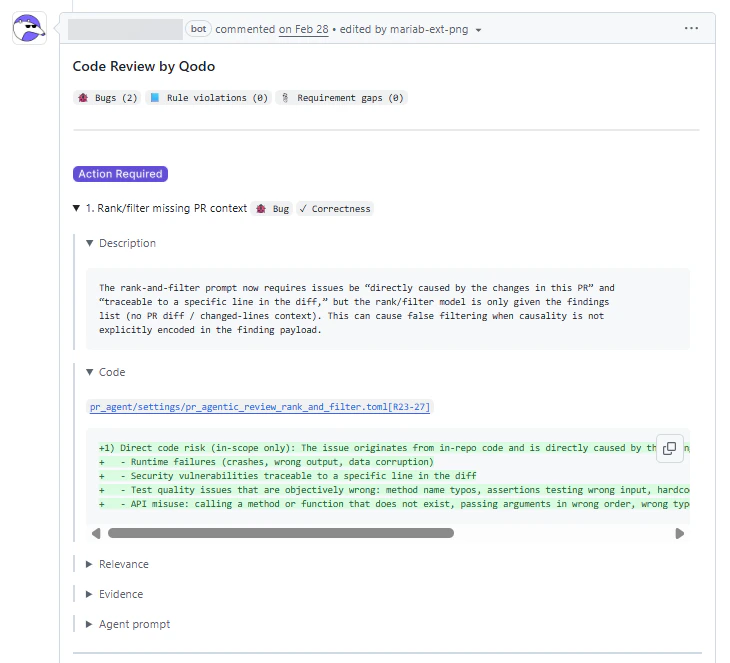
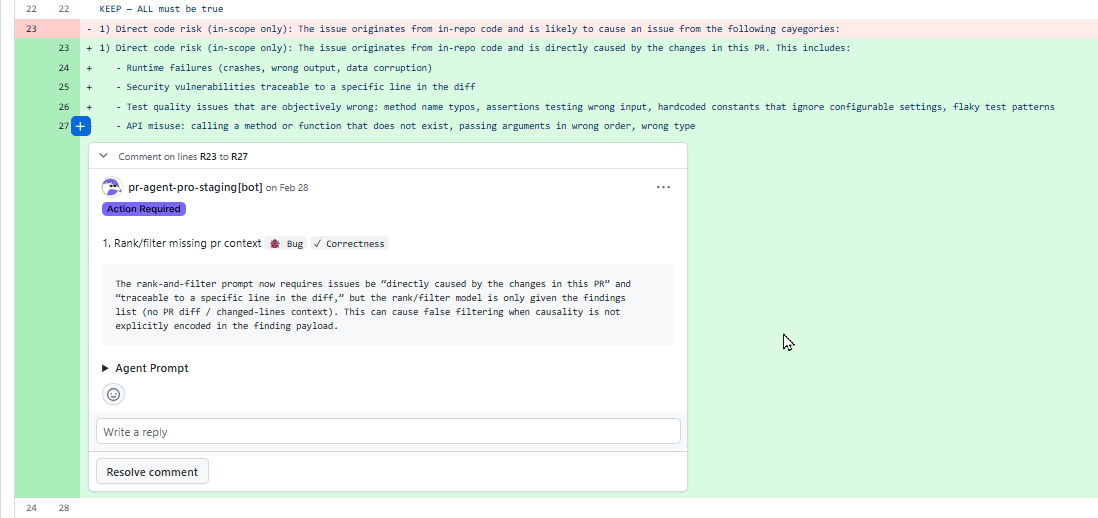
This setting helps balance visibility vs. focus: summaries are useful for understanding the overall state of a PR, while inline comments are ideal for resolving issues directly in context. Example:Documentation Index
Fetch the complete documentation index at: https://docs.qodo.ai/llms.txt
Use this file to discover all available pages before exploring further.
summaryFeedback appears only in the Conversation tab. Best for reviewing the overall impact and prioritization of findings.inlineFeedback appears only in the Files changed view. Best for fixing issues directly next to the affected code.bothFeedback appears in both the summary and inline views. (default)