Documentation Index
Fetch the complete documentation index at: https://docs.qodo.ai/llms.txt
Use this file to discover all available pages before exploring further.
GitHub
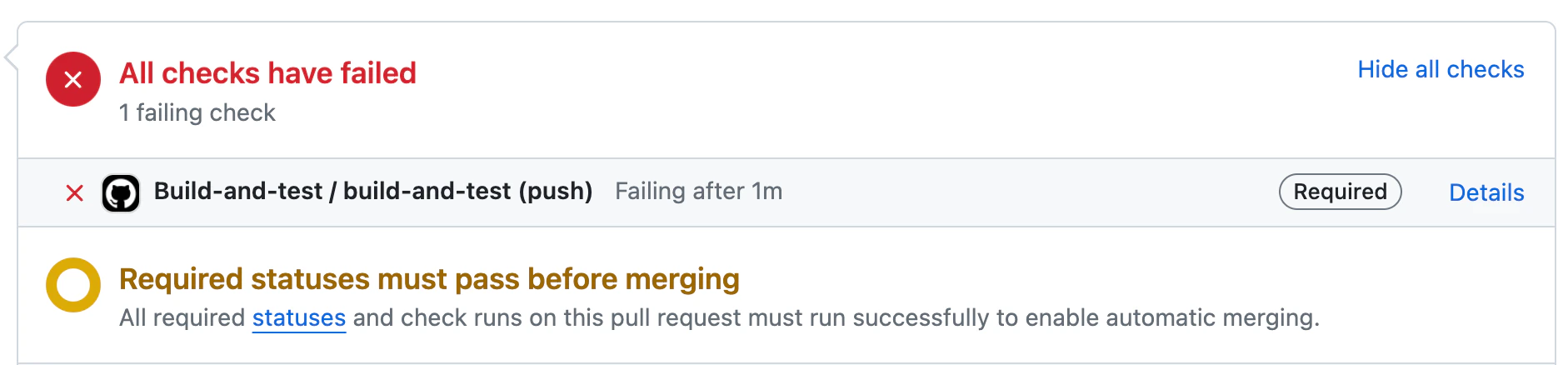
Qodo provides automatic CI feedback when a pull request contains failed checks.
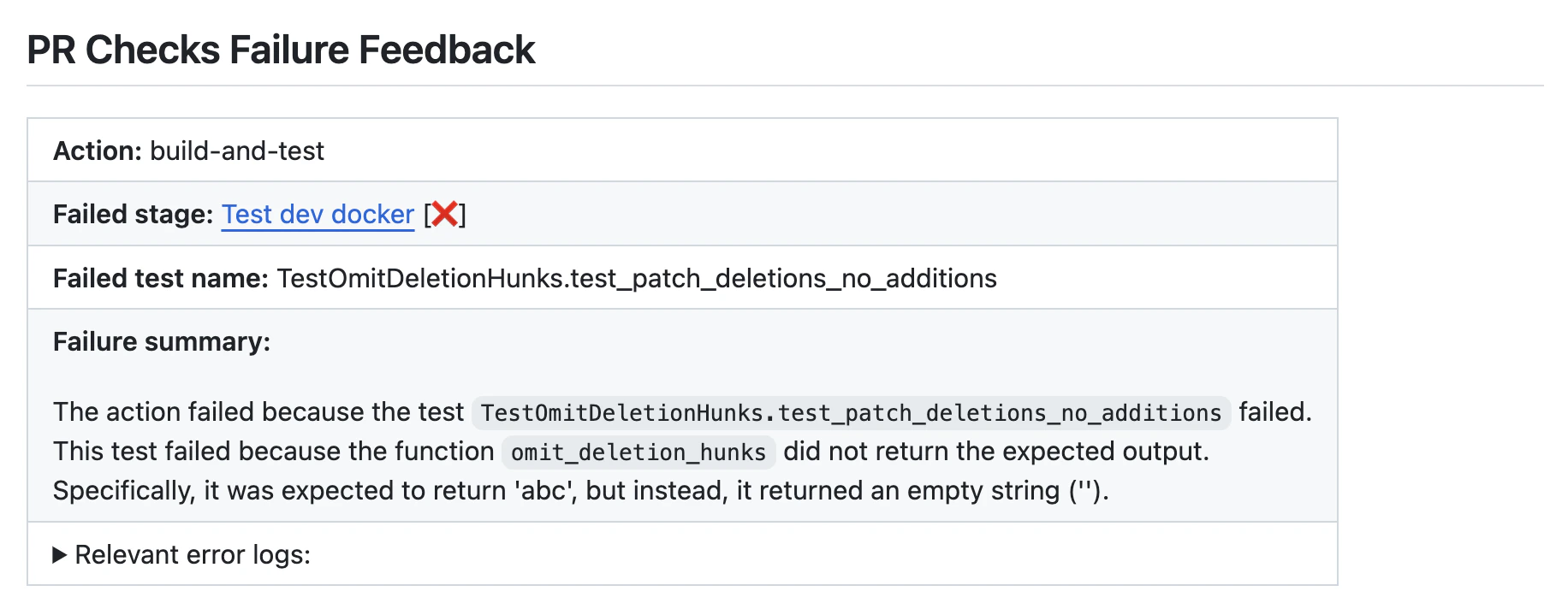
When a CI failure is detected, Qodo analyzes the results and surfaces structured, actionable information directly in the pull request to help you quickly understand and resolve the issue.
The CI feedback includes:
- Failed stage – the pipeline stage where the failure occurred
- Failed test name – the specific test or job that failed
- Failure summary – a concise explanation of what went wrong
- Relevant error logs – extracted log output to aid debugging
Using CI feedback in pull requests
Manual usage
Comment on the PR:-
{repo_name}is the name of the repository. -
{run_number}is the run number of the failed check. -
{job_number}is the job number of the failed check.
Disabling the tool from running automatically
If you want to disable the tool from running automatically, add the following to the configuration file:Configuration options
Configure thechecks tool by setting configurations under the checks part in your configuration file.
| Configuration key | Default value | Description |
|---|---|---|
enable_auto_checks_feedback | true | Automatically provides feedback when a CI check fails on a pull request. |
excluded_checks_list | [] | A list of CI checks to exclude from feedback (for example: ["check1", "check2"]). |
persistent_comment | true | Updates an existing CI feedback comment instead of posting a new one for each run. |
enable_help_text | true | Displays a help message when a user comments /checks on a pull request. |
final_update_message | true | When persistent_comment is enabled, posts an additional message indicating that the CI feedback was updated to the latest commit. |