Qodo IDE plugin, formerly Qodo Gen, brings local code review workflows to JetBrains and VS Code as part of the Qodo Platform.
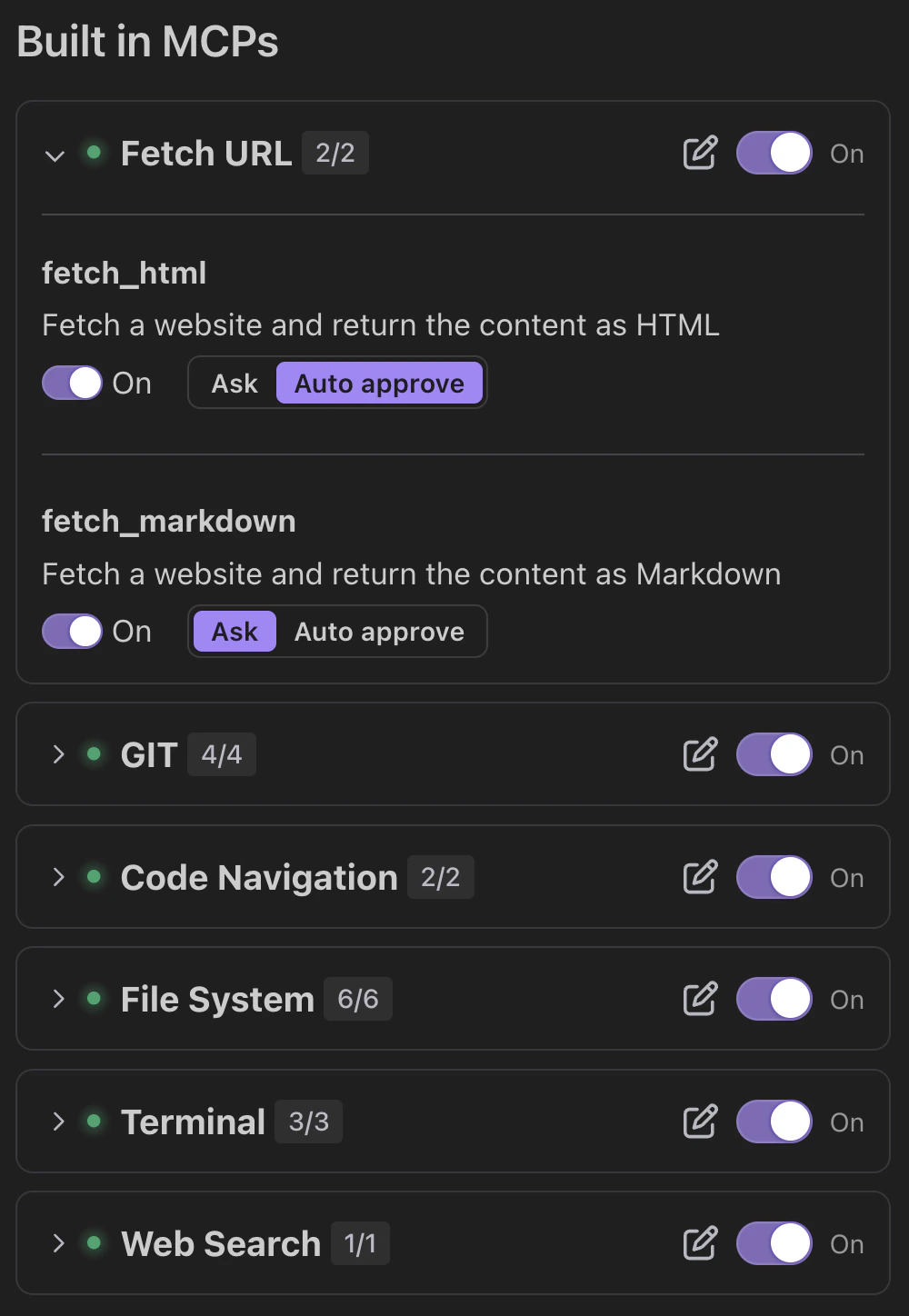
Git service
Provides Git repository insights. Sub-tools:git_remote_url: Gets the remote repository URL.git_branches: Lists all branches.git_changes: Shows uncommitted changes.git_file_history: Displays commit history for a file.
Code navigation service
Analyzes and tracks code structure. Sub-tools:get_code_dependencies: Finds dependencies for a function or class.find_code_usages: Identifies where a function, class, or variable is used.
File system service
Manages files and directories. Sub-tools:read_files: Read and return the full contents of a text file.write_to_file: Write content to a file. Creates the file if it doesn’t exist and ensures parent directories are also created. Switching this sub-tool off allows you to approve file changes one by one, or deny them.replace_in_file: Modify a file using a structured multi-block diff string.directory_traversal: Generate a recursive tree view of a directory.search_files: Search for a regex or string pattern across file contents within a directory.get_file_info: Retrieve metadata about a file or directory, including type, size, timestamps, and permissions.
Terminal
Use terminal command line tools. Sub-tools:terminal_execute_command: Runs a shell command, and returns its output.terminal_get_latest_output: Gets the latest output from a terminal. Response includes content with terminal output text.terminal_terminate_command: Terminates a running command. Response includes content with result message and isError flag indicating success or failure.
Due to a new Beta terminal introduced to JetBrains IDEs, some JetBrains IDE users might not be able to use the terminal tool initially.To enable the terminal tool, click the … icon above the in-IDE terminal. Select Terminal Engine from the dropdown, then select Classic Terminal.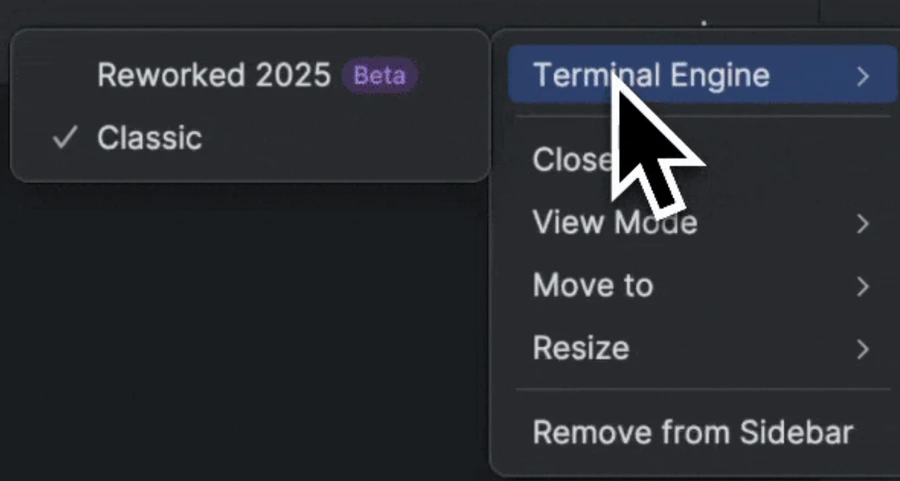
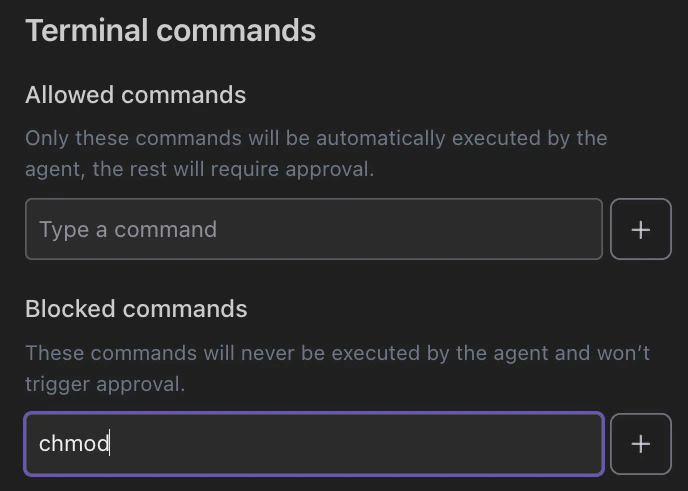
Terminal commands allow list
In Qodo’s Chat Preferences, you can set a terminal commands allow list:- Allowed commands: Set terminal commands that the agent runs automatically without approval. All other terminal commands require approval.
- Blocked commands: Set terminal commands that the agent automatically blocks.
Web search
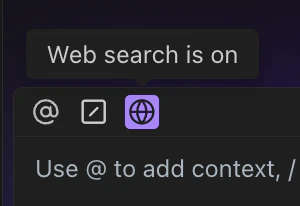
Performs web search. Toggle by clicking the web search button.