Use Qodo with Claude to access Qodo Agentic Toolbox skills for understanding your codebase, reviewing changes, and resolving code review findings. For an overview of the available skills and supported interfaces, see Agentic Toolbox overview. Install Qodo to use Qodo code review capabilities with Claude.

Prerequisites

You need a Qodo account to use the Agentic Toolbox skills.

Install Qodo with Claude

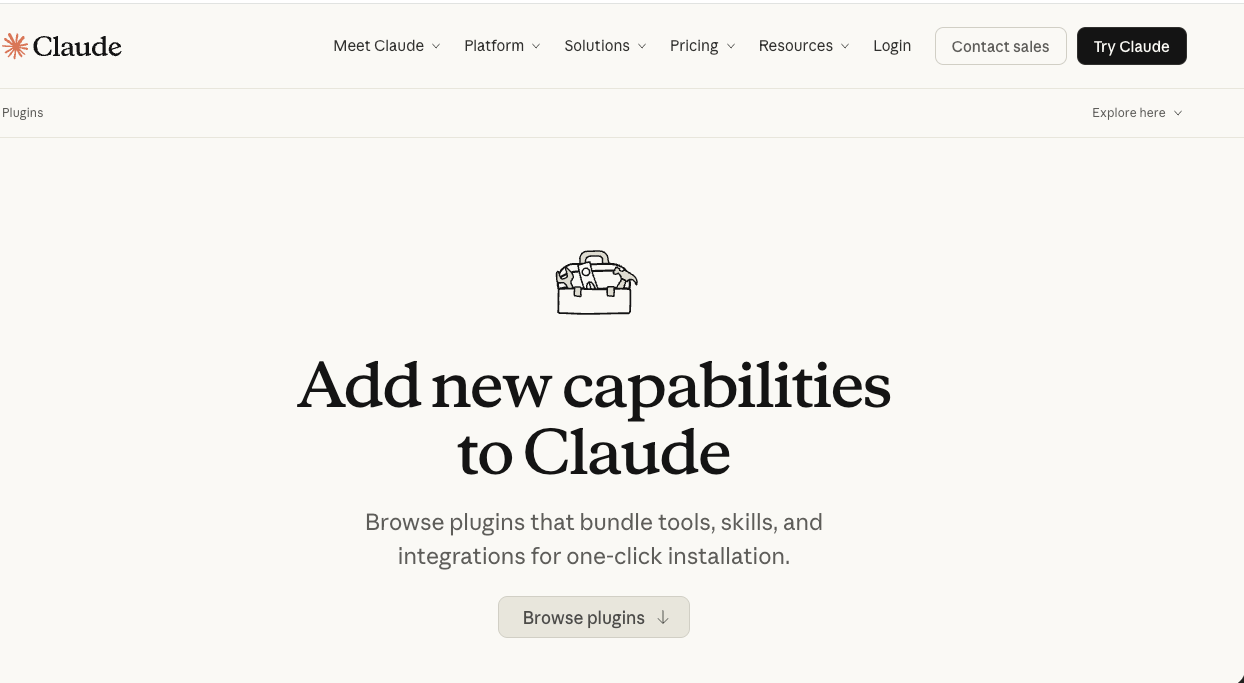
  1. Go to Claude plugins. Claude plugins main page
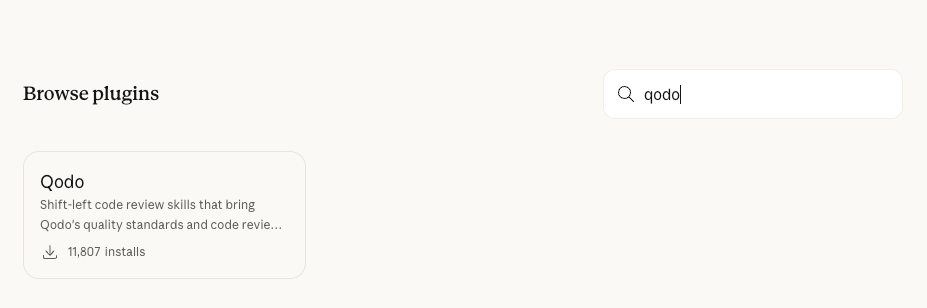
  2. Navigate to Browse Plugins. Browse Claude plugins
  3. Type Qodo in the search field. The Qodo plugin main page opens. Qodo Claude Code page
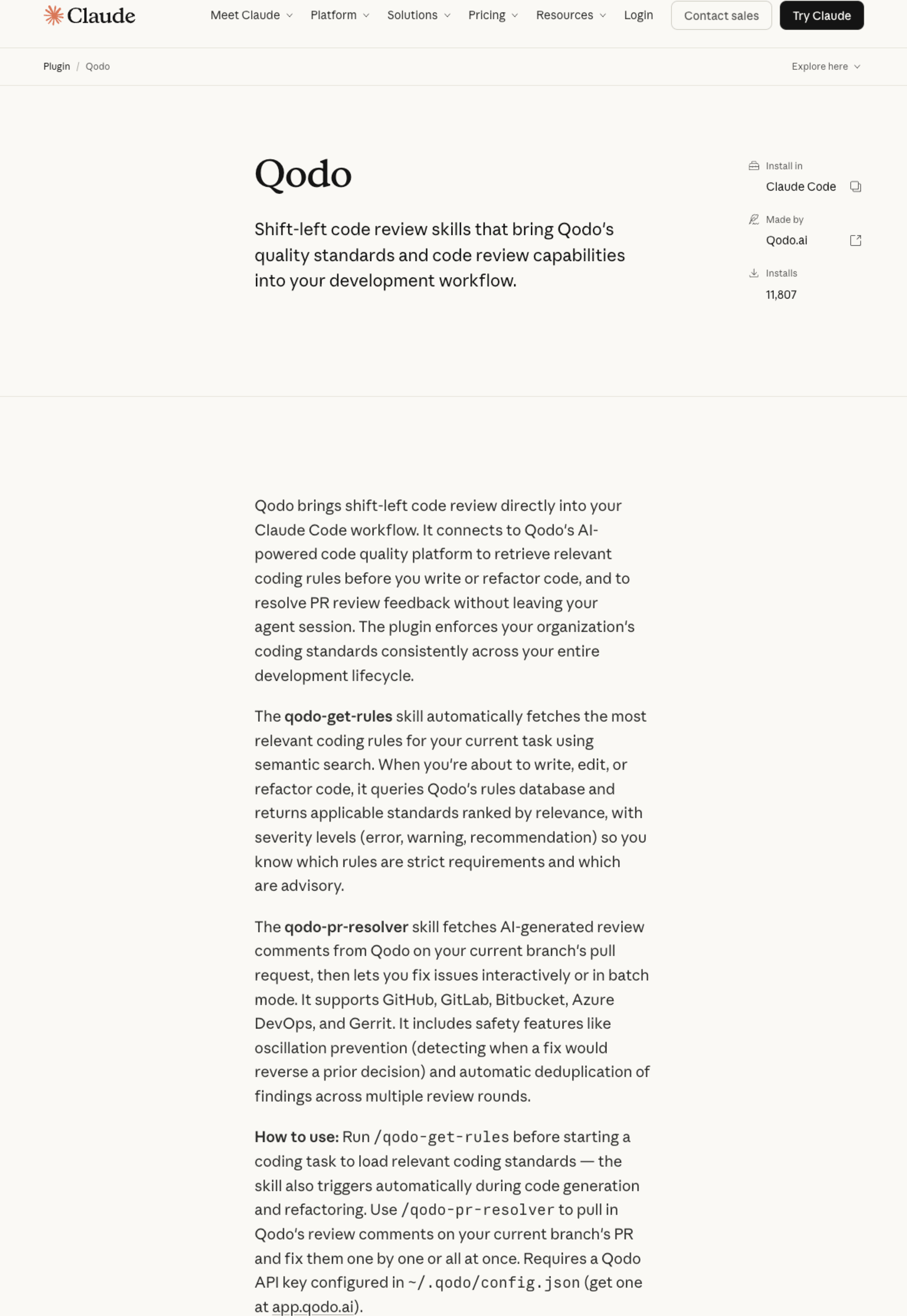
  4. Click the Copy icon to copy the installation command.
  5. Follow the instructions to install the Qodo plugin in Claude Code.
Once installed, you can use Qodo with Claude Code.

Next steps