

How to get to the Chat Preferences page
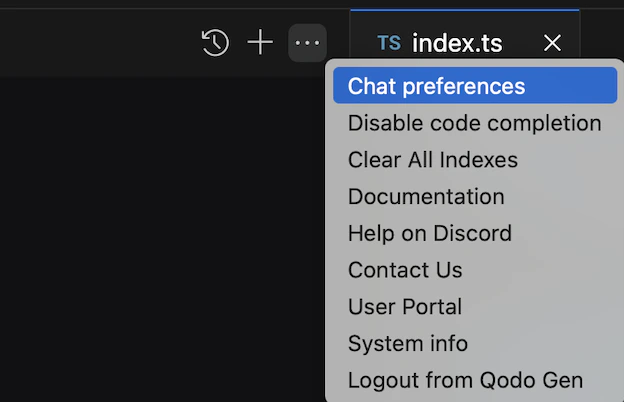
Configure chat preferences
In the Chat Preferences window, you can configure:Custom instructions
Add custom instructions for Qodo Chat to follow in conversations. To configure instructions for a specific command, click Add a specific command. To set general instructions for all commands, add them under All messages.Terminal commands
These preferences affect the Terminal Agentic Tool.- Allowed commands: Set terminal commands that the agent runs automatically without approval. All other terminal commands require approval.
- Blocked commands: Set terminal commands that the agent automatically blocks.