

Prerequisites
Before connecting Confluence, ensure you have:- Confluence administrator permissions.
- A Git provider connected to Qodo and the Qodo app installed. For more information, see Install Qodo.
Integrate Confluence with Qodo
- Log in to the Qodo portal.
- Navigate to Integrations > Documentation & Design.
- Under Confluence, click Connect.
- Sign in to your Atlassian account.
- Select the Confluence workspace you want to connect.
- Review the requested permissions and click Allow.
-
After authorization completes, the integration status changes to Connected.
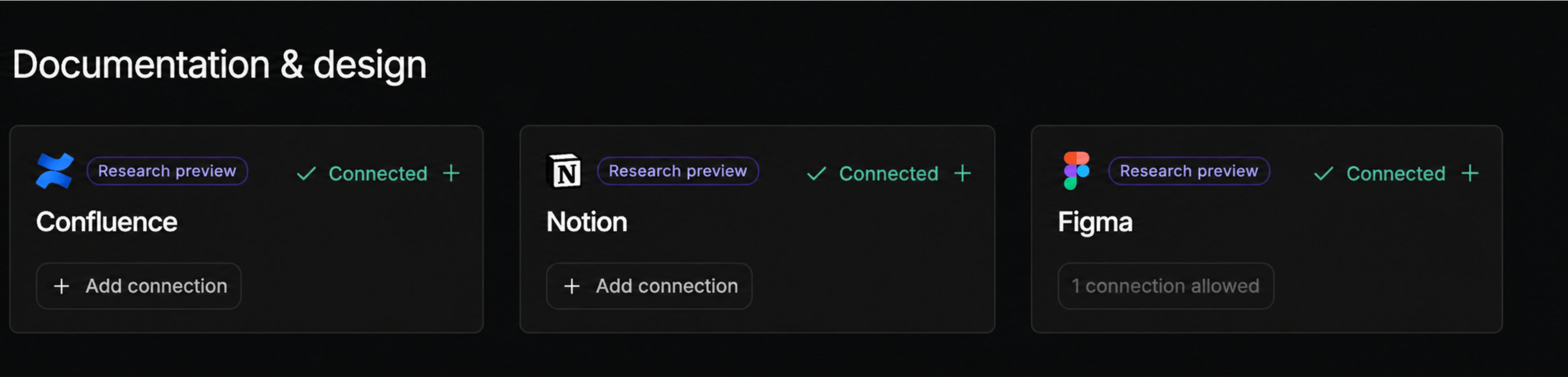
When you connect Confluence, Qodo automatically enables the Spec agent. You do not need to enable it manually.
Verify the integration
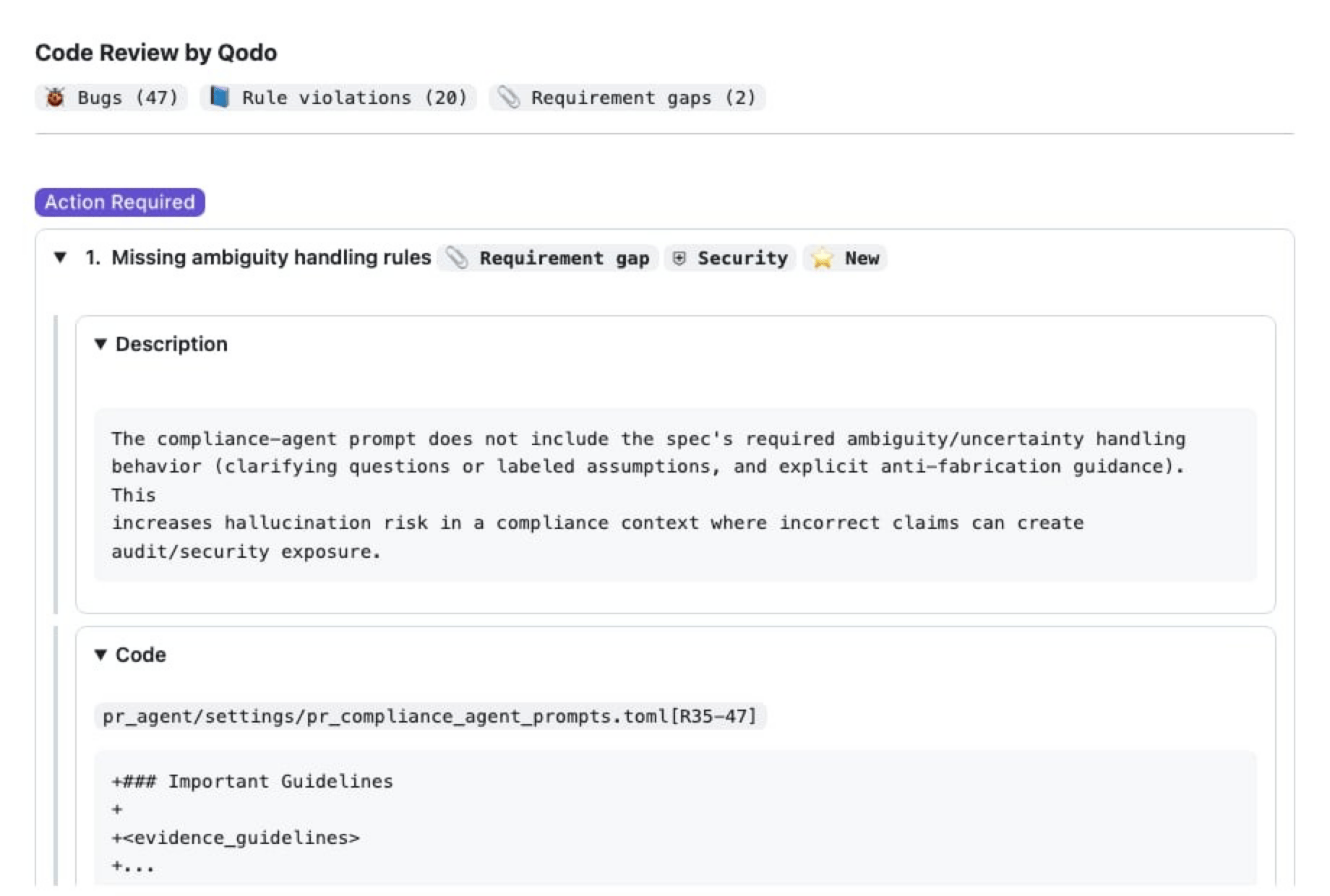
After connecting Confluence:- Create or update a Confluence page that contains product requirements, technical specifications, or implementation details.
- Create or update a pull request in a GitHub repository connected to Qodo, and add a link to the relevant Confluence page in the PR description.
- Wait for the Qodo review to complete.
- Open the Qodo Review Results in the pull request.
Troubleshooting
No documentation findings appear
If you do not see documentation-based findings in the pull request review:- Verify that the PR description contains a link to the relevant Confluence page.”
- Verify that the Confluence integration is connected in the Qodo portal.
- Verify that the repository is connected to Qodo through the GitHub App.
- Verify that the Spec Agent is enabled.
- Ensure the pull request has completed a Qodo review.
- Confirm that the relevant documentation exists in Confluence.
Related resources
- Documentation & design integrations: An overview of documentation and design management integrations.
- View requirement gaps in your findings: How requirement gaps appear in reviews.