

Supported platforms: GitHub, GitLab, Bitbucket (Not supported on Bitbucket Data Center), Azure DevOps.
What is a wiki?
Set configurations by creating a page named.pr_agent.toml in the repository wiki. This approach allows configuration changes without committing new content to the repository, simply edit the wiki page and save.
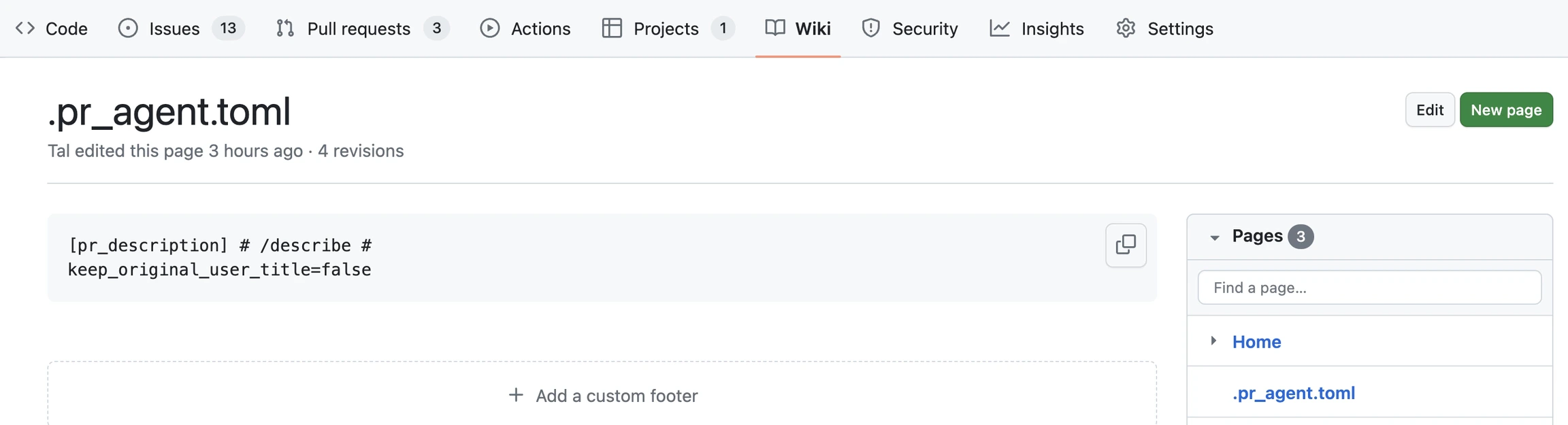
Benefits of creating a wiki
- Storing your Qodo Git interface configuration file.
- Tracking accepted code suggestions over time.
- Improve your Qodo experience over time by creating a
auto_best_practices.mdfile to capture learning and best practices automatically.
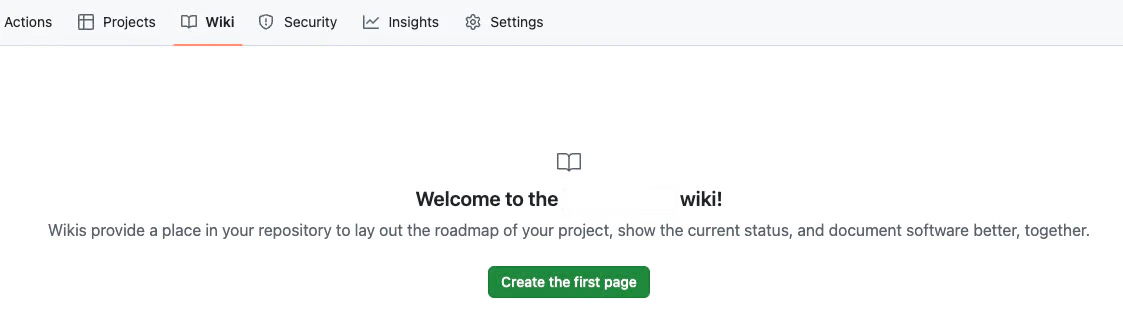
Enable a wiki
GitHub
Azure DevOps
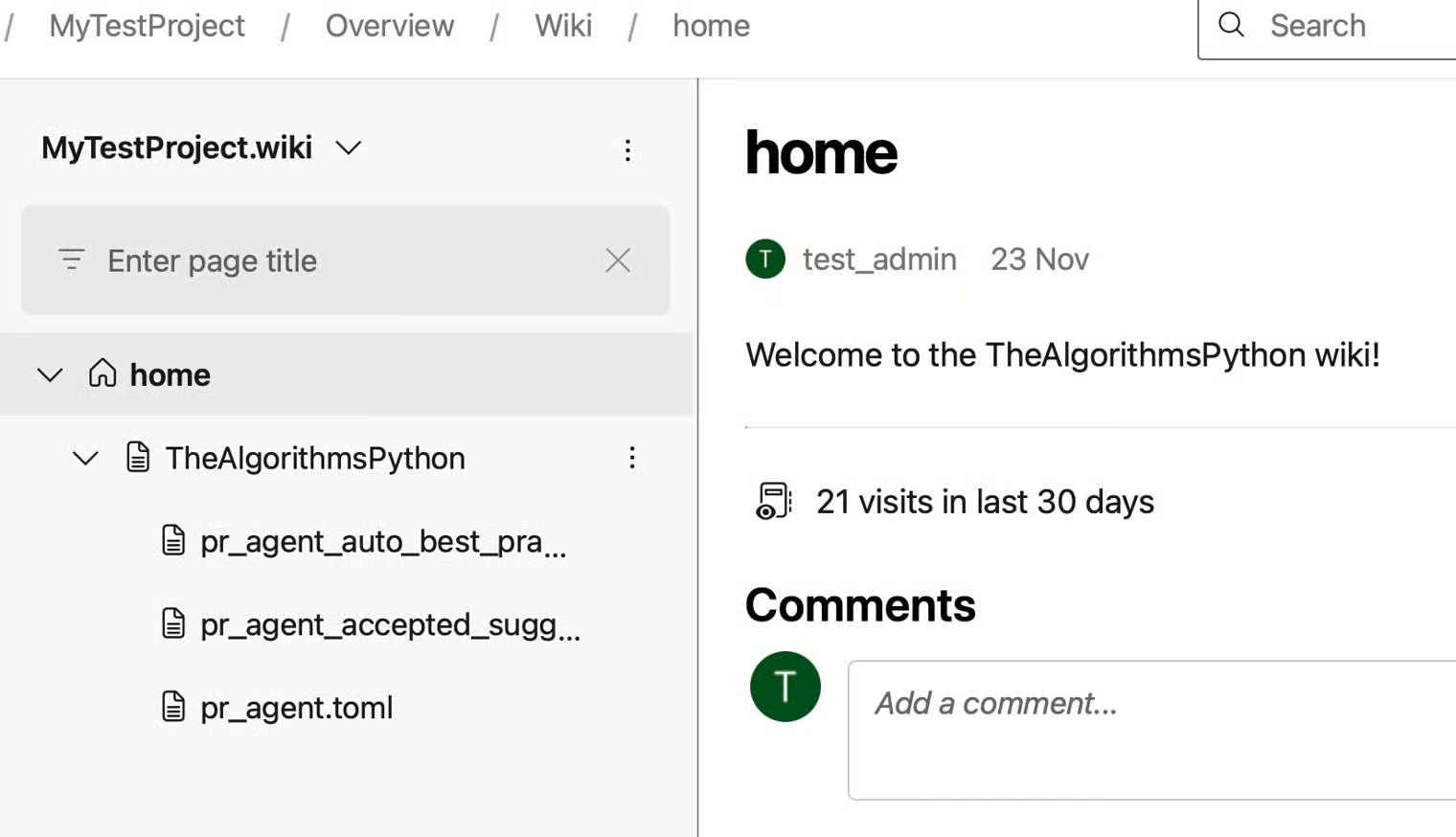
Azure DevOps Wikis are created at the project level, not per repository. Each repository is represented by a wiki sub-page.Step 1: Create a project wiki
You should now see a house icon next to the
home page.
Step 2: Create repository sub-pages
Create a sub-page for each repository where Qodo is installed.
You can repeat this step to create additional sub-pages for other repositories in the project.
Step 3: Add Qodo configuration and data files
Under the repository sub-page, create wiki pages for Qodo configuration and related data files. To add files:
Wiki page names cannot start with a dot (
.). Remove the leading dot when creating files (for example, .pr_agent.toml → pr_agent.toml).
Writing wiki content
Surround the configuration content with triple-quotes``` to allow better presentation when displayed as markdown. Qodo will remove the surrounding quotes when reading the configuration content.