> ## Documentation Index
> Fetch the complete documentation index at: https://docs.qodo.ai/llms.txt
> Use this file to discover all available pages before exploring further.
# Enable automatic CI failure feedback
GitHub
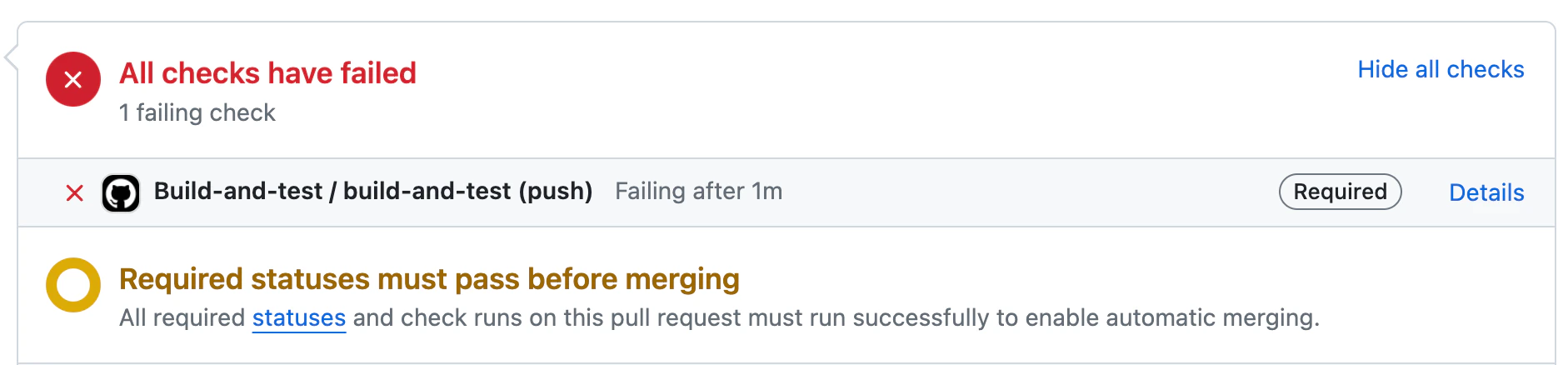
Qodo provides automatic CI feedback when a pull request contains failed checks.
When a CI failure is detected, Qodo analyzes the results and surfaces structured, actionable information directly in the pull request to help you quickly understand and resolve the issue.
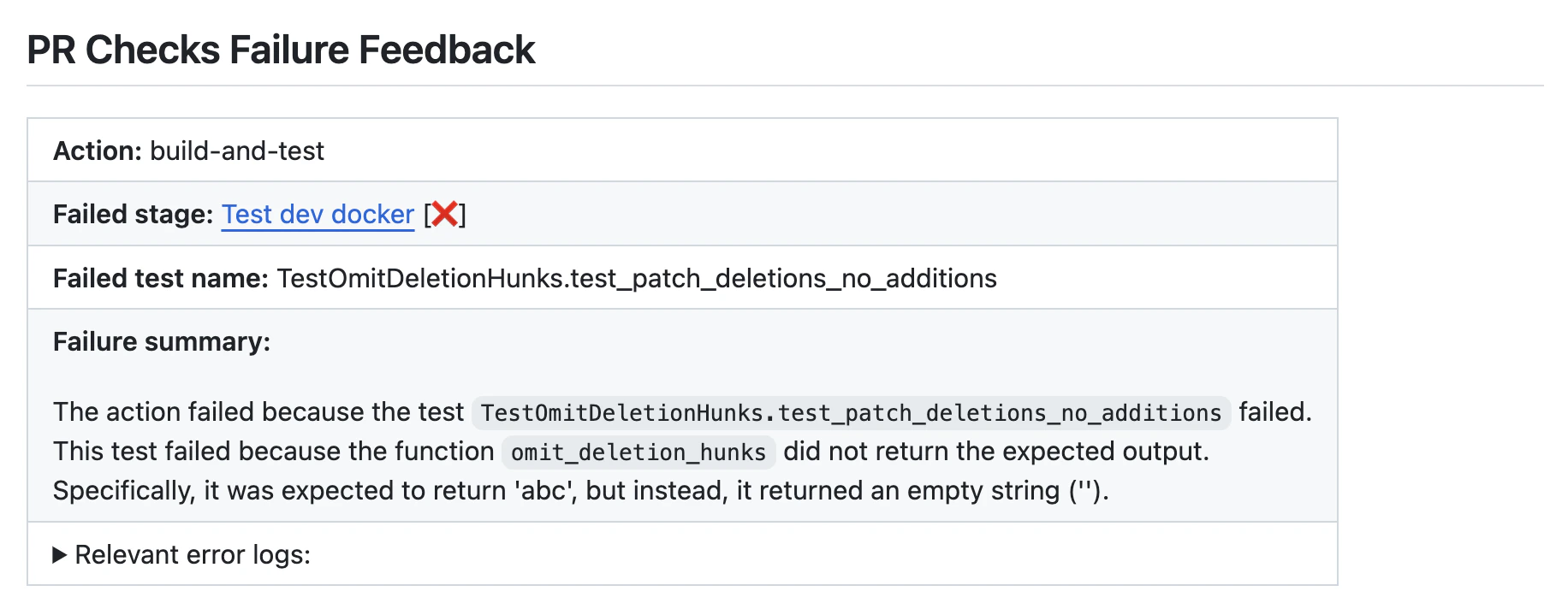
The CI feedback includes:
* **Failed stage** – the pipeline stage where the failure occurred
* **Failed test name** – the specific test or job that failed
* **Failure summary** – a concise explanation of what went wrong
* **Relevant error logs** – extracted log output to aid debugging
This feedback helps reduce context switching by keeping CI failure analysis inside the pull request, where you are already working.
### Using CI feedback in pull requests
#### **Manual usage**
Comment on the PR:
```bash theme={null}
/checks "https://github.com/{repo_name}/actions/runs/{run_number}/job/{job_number}"
```
Where:
* `{repo_name}` is the name of the repository.
* `{run_number}` is the run number of the failed check.
* `{job_number}` is the job number of the failed check.
### Disabling the tool from running automatically
If you want to disable the tool from running automatically, add the following to the [configuration file](/code-review/get-started/configuration-overview/configuration-file):
```js theme={null}
[checks]
enable_auto_checks_feedback = false
```
### Configuration options
Configure the `checks` tool by setting configurations under the `checks` part in your [configuration file](/code-review/get-started/configuration-overview/configuration-file).
| Configuration key | Default value | Description |
| ----------------------------- | ------------- | ----------------------------------------------------------------------------------------------------------------------------------- |
| `enable_auto_checks_feedback` | `true` | Automatically provides feedback when a CI check fails on a pull request. |
| `excluded_checks_list` | `[]` | A list of CI checks to exclude from feedback (for example: `["check1", "check2"]`). |
| `persistent_comment` | `true` | Updates an existing CI feedback comment instead of posting a new one for each run. |
| `enable_help_text` | `true` | Displays a help message when a user comments `/checks` on a pull request. |
| `final_update_message` | `true` | When `persistent_comment` is enabled, posts an additional message indicating that the CI feedback was updated to the latest commit. |
Example: